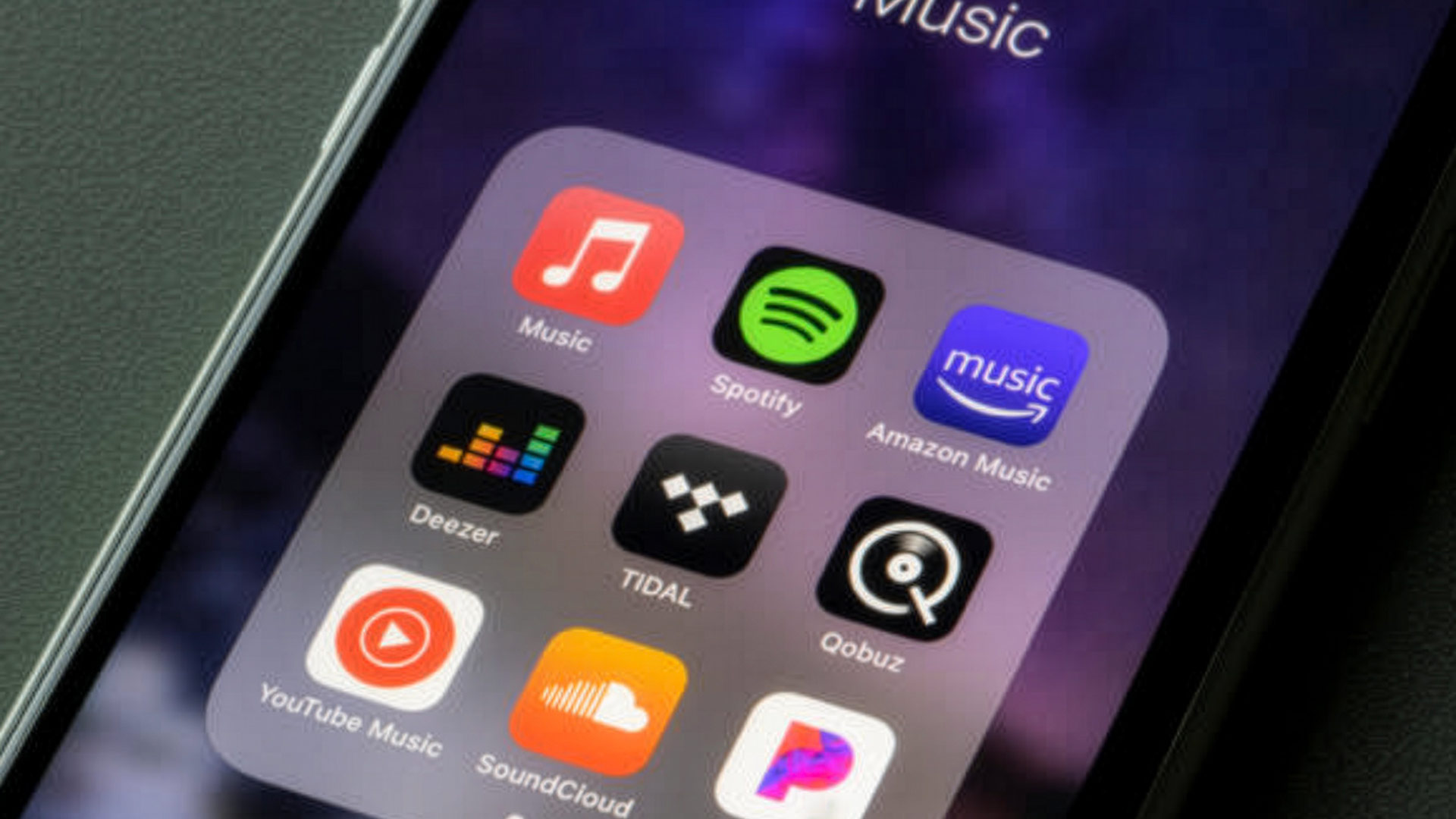
Spotify is fantastic for planning wedding music, especially when you use it as a communication tool, not a rigid script.
On the website, I keep a living set of music “moments” and examples here:
- Wedding Music Playlists & Song Ideas
- And the full public Spotify library here: Spotify playlists
Step 1: Label your playlists by moment (not by genre)
The fastest way to make your planning link useful is to name playlists exactly like your timeline:
- Ceremony Prelude
- Processional
- Recessional / Just Married
- Cocktail Hour
- Dinner
- Open Dancing
- Last Dance
- Grand Exit
Why this matters: it prevents “great songs in the wrong moment,” and it makes your planning call smoother.
Step 2: Add notes to communicate vibe (energy beats genre)
Instead of “we like everything,” give me signals I can act on:
- Energy: “more singalongs” vs “more club” vs “more throwbacks”
- Crowd: “big family dancers” vs “mostly friends, late-night energy”
- Hard lines: clean edits only, or explicit is ok after 9pm, etc.
If you want a copy/paste worksheet, it’s built into the bottom of the hub page:
Step 3: Separate “must-plays” from “inspiration”
Most playlists are inspiration (great). But I still need a short list of non-negotiables:
- 10–20 must-plays that define your night
- 10–20 do-not-plays (songs or artists)
I wrote a full breakdown of do-not-play strategy here:
Step 4: Don’t get tripped up by versions (clean edits, covers, intros)
Two songs can have the same title and feel totally different on a dance floor:
- radio edit vs album version
- clean edit vs explicit
- original vs cover
- TikTok “sped up” versions
Spotify links help us align on the song, then we confirm the exact version that fits your event.
Step 5: Use Spotify for planning, then let your DJ do DJ work
If you’re curious about the difference between a playlist and a professional DJ (and why flow matters), start here:
The goal isn’t “play every track.” The goal is packed dance floor, clean transitions, and the right music at the right moment.
Want help turning your playlists into a timeline + energy map?
Start with the hub page (it’s built around the actual wedding moments):
And if your date is still open: